
Buzz
2 min read
Price Check it on their site
Buzz is a tool that allows you to transcribe and translate audio offline on your personal computer . It is powered by OpenAI’s Whisper.
Review pending a full check. Published in January 2023, last updated on January 25, 2023. It does not have yet what my current reviews have: dated, checked prices, my own screenshots and my verdict.
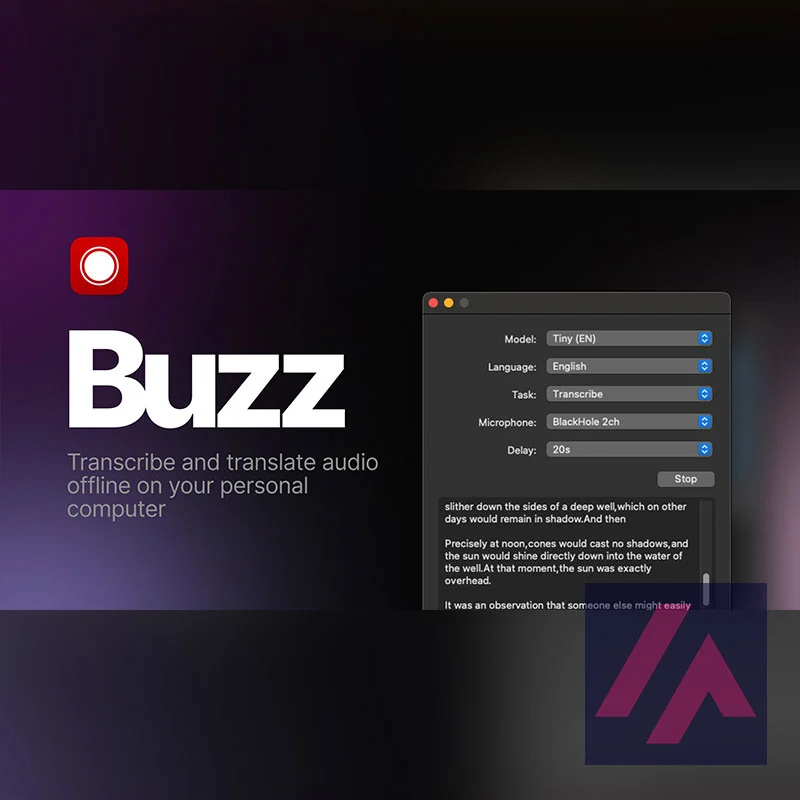
What is Buzz
- Type
- Audio
- Updated on
- Jan 25, 2023
Buzz Features
- Real-time transcription and translation from your computer’s microphone to text. Transcribe as you speak.
- Import audio and video files and export transcripts to TXT, SRT and VTT. You can add mp3, mp4 and more audio and video formats.
- Compatible with Whisper, Whisper.cpp and Hugging Face compatible with Whisper.
How to install Buzz
Buzz is available for Mac and Windows. On the download page (linked above), you can download the .DMG for Mac or the .EXE for Windows. Once downloaded, it’s as simple as following the usual software installation process and you’re done, no hassle.
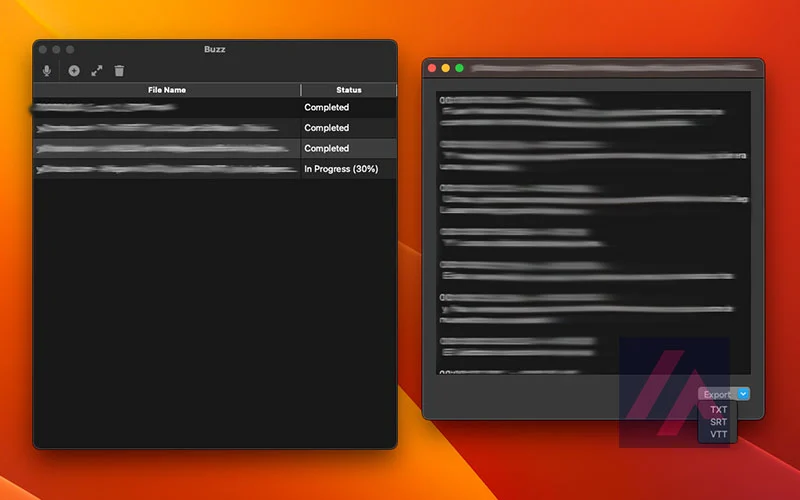
On the left we see the work queue. Audio and video files can be added to start transcribing the text. On the right we see the result of the transcription in different formats: “TXT”, “SRT”, “VTT”.
Understanding the program
| Field | Options | Description |
|---|---|---|
| Task | “Transcribe”, “Translate” | “Transcribe” c converts the input audio to text in the selected language, while “Translate” converts it to English. |
| Language | See Whisper documentation for a complete list of supported languages | “Detect Language” will attempt to detect the language spoken in the audio from the first few seconds. It is recommended to select a language (if known) as it will improve the quality of the transcription in many cases. |
| Quality | “Very low”, “Low”, “Medium”, “High” | The quality of the transcription determines the Whisper model used for transcription. “Very low” uses the “tiny” model; “Low” uses the “base” model; “Medium” uses the “small” model; and “High” uses the “medium” model. |
As you can see, the interface is simple. It has changed in the last updates, adding the function to queue different files. This has been a stroke of genius that allows us to add a long task queue to let the AI work for hours non-stop on a packet of audio or video files.

Review by Miguel Ángel, with the help of an LLM to fact-check. How I test the tools
Have you used Buzz? Tell us how it went
What worked for you and what didn’t. Your experience helps the next person who lands here unsure more than any review page. I read every one before publishing.
Write my review
Other audio AI tools on the site
Similar by type and use. I have not compared them one by one with Buzz yet.
-
Whisper
Ever wondered how you could transcribe audio in different languages with near-perfect accuracy and without having to pay for a paid service? Whisper is the answer.
See review → -

ElevenLabs MCP
Transform text into voice and process audio for innovative and creative applications.
See review → -

Murf
Murf.ai is an online text-to-speech (TTS) platform that offers a wide variety of voices and languages. With just a few clicks, you can convert any text into a high-quality audio file.
See review →

Got a question? Ask me
About Buzz, its plans or whether it fits what you need. I, Miguel Ángel, answer right here.