
Transform your advertising strategy with Mirage IA
2 min read
Price Check it on their site
Generate original video content without the need for real actors, allowing marketing teams to create ads quickly and efficiently.
Review pending a full check. Published in March 2025, last updated on March 23, 2025. It does not have yet what my current reviews have: dated, checked prices, my own screenshots and my verdict.
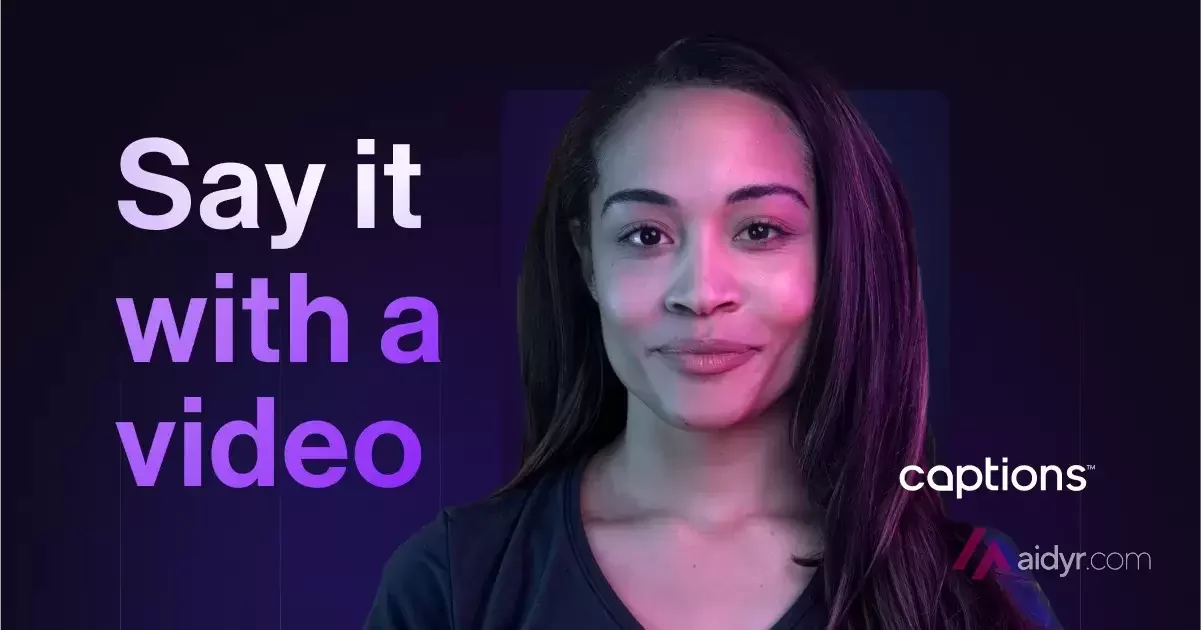
What is Mirage
- Type
- Video
- Updated on
- Mar 23, 2025
Imagine being able to create advertising videos without the complications of traditional production. With Mirage IA, this idea becomes a reality. This innovative artificial intelligence model is specifically designed to generate user-generated content (UGC) easily and quickly. No more long hours of filming or complicated copyright agreements.
With just a couple of prompts, you can have a complete video ready to use.
The era of lip-sync videos and pre-recorded voiceovers is behind us. Thanks to Mirage, you will enjoy a video creation workflow like never before. From choosing the actor and background to the voice and script, everything is generated automatically. This tool not only allows the creation of unique virtual actors but also eliminates copyright restrictions, opening up a world of narrative possibilities.
Advantages of using Mirage IA
With Mirage, marketing teams can cut costly production cycles and focus on what really matters: the strategy. You don’t need actors, studios, or recording sessions. Simply enter a prompt, and Mirage generates the entire video, from the script to the screen. This allows for iteration and optimization without the time and budget constraints that traditionally accompany video production.
Forget about contracts and usage rights. With Mirage, the AI-generated actors eliminate the need to hire talent, meaning you can use your content anywhere, without worries about licensing fees or legal agreements. Whether for paid advertising or organic campaigns, you have complete control over your creatives.
Additionally, the ability to generate multiple variations of the same message is impressive. You can create different actors, tones, and scripts from a single idea, making A/B testing and personalization for any audience easier. Just adjust your prompt and watch as Mirage adapts the content to maximize performance.
Generate a video with Mirage in three simple steps
1. Upload an audio file
Upload your audio file or script, and our AI will generate a complete video that brings your words to life, including visuals and movement.
2. Customize the appearance and voice
Select the look, personality, and voice of your AI-generated actor. Adjust the tone and style to align with your brand’s vision.
3. Generate your video
With a single click, Mirage brings your script to life, producing a fully AI-generated video with a unique actor, background, and natural voice, ready to use instantly.

Review by Miguel Ángel, with the help of an LLM to fact-check. How I test the tools
Have you used Mirage? Tell us how it went
What worked for you and what didn’t. Your experience helps the next person who lands here unsure more than any review page. I read every one before publishing.
Write my review
Other video AI tools on the site
Similar by type and use. I have not compared them one by one with Mirage yet.
-
MoCha
MoCha is an innovative tool that allows you to generate talking characters from text and voice, creating dynamic videos that come to life with just one click.
See review → -
ByteCap AI
This AI is perfect for creating engaging and viral videos in a matter of seconds, helping to maximize audience engagement and retention.
See review → -

Firebase Studio
This AI is designed to accelerate the complete development cycle , allowing the construction of backends, frontends, and mobile applications from a single place.
See review →

Got a question? Ask me
About Mirage, its plans or whether it fits what you need. I, Miguel Ángel, answer right here.